
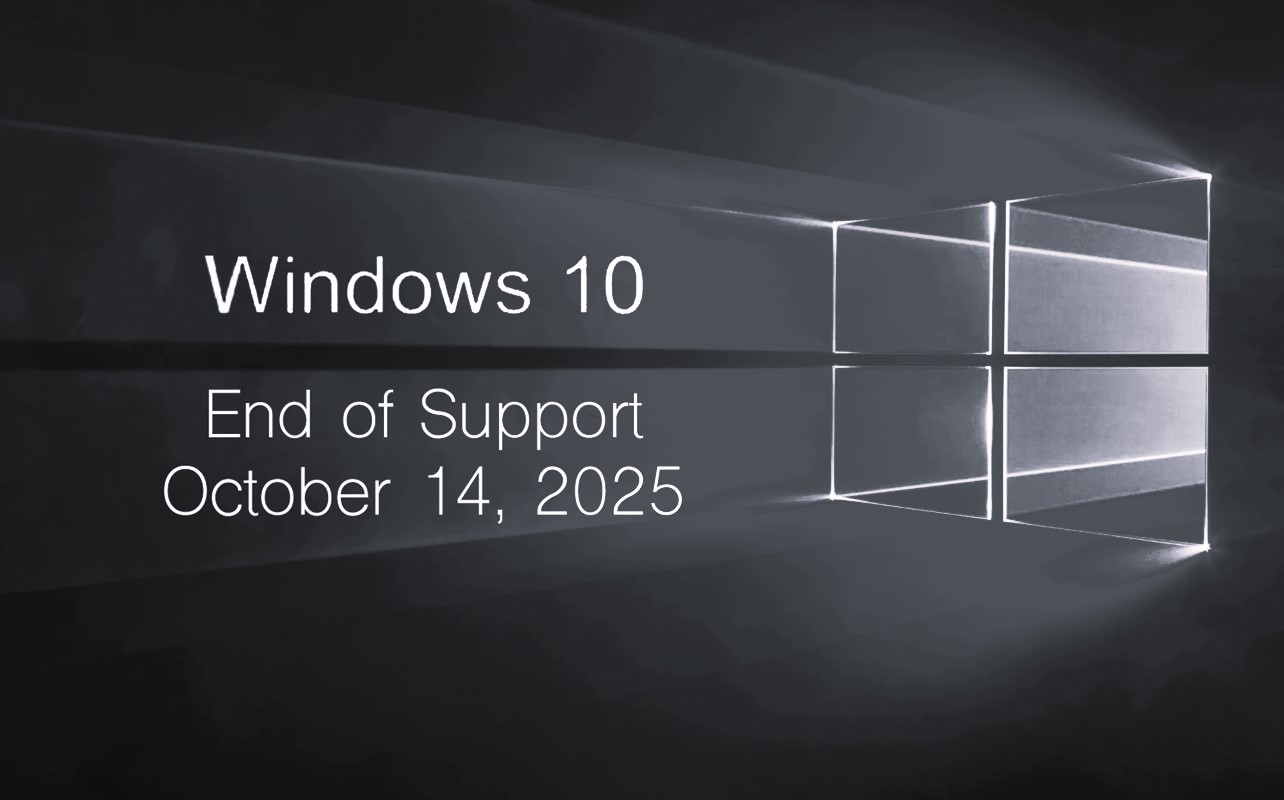
Ten years, one goodbye : Windows 10 signing off
After nearly a decade of powering billions of computers around the world, Microsoft has officially ended support for Windows 10 as of October 14, 2025. Launched in 2015 as the “last version of Windows,” the operating system became a global standard for personal and enterprise computing. Now, with its lifecycle concluded, users must understand what this end of support means, why it happened, what options exist for continued security, and what differences define the newer Windows 11 platform.
When Microsoft ends support for a Windows version, it signifies that the operating system will no longer receive security patches, bug fixes, or quality updates. Technical assistance from Microsoft and official compatibility updates for hardware and drivers also stop. While computers running Windows 10 will continue to function normally, they will become progressively more vulnerable to malware, hacking attempts, and compatibility issues. Over time, popular software vendors, hardware manufacturers, and app developers will also phase out updates for the outdated OS, further weakening its ecosystem.
The decision to end Windows 10 support follows Microsoft’s standard lifecycle policy, which provides approximately ten years of mainstream and extended support for every Windows release. Several key factors contributed to this move. The most significant is security. Cyber threats have evolved dramatically, and protecting modern systems requires features that rely on newer hardware, such as Trusted Platform Modules (TPM), Secure Boot, and virtualization-based protection elements that Windows 11 was built around from the ground up. Windows 10, developed before these standards were universal, cannot fully implement these protections at the hardware level.
Hardware evolution also plays a major role. Today’s processors, storage drives, and graphics architectures are designed with modern operating systems in mind. Maintaining backward compatibility with decade-old systems limits performance and innovation. For Microsoft, focusing on a single, modern platform allows more efficient optimization, testing, and integration across devices. In addition, Windows 11 represents a unified ecosystem combining AI features, cloud connectivity, and security frameworks that align with Microsoft’s long-term vision for hybrid computing. The end of Windows 10, therefore, is not just a cost-saving move but a strategic realignment toward a future-ready environment.
For users, the first step now is to determine whether their existing hardware is compatible with Windows 11. The newer operating system requires a 64-bit CPU, Trusted Platform Module (TPM) 2.0, UEFI firmware with Secure Boot, and at least 4 GB of RAM and 64 GB of storage. Systems running older Intel or AMD processors, or those lacking TPM support, may not qualify for a direct upgrade. If your computer does not meet these requirements, Microsoft offers an Extended Security Updates (ESU) program. This is a temporary paid service that continues to deliver essential security updates for up to three additional years. It’s primarily aimed at businesses that need extra time to migrate, though individual users can also subscribe. However, ESU only provides security patches, no feature updates or performance improvements.
Before upgrading, it’s important to back up all data, applications, and settings. Users should verify that critical software is compatible with Windows 11, update system firmware and drivers, and ensure sufficient disk space. A clean installation of Windows 11 is generally recommended for stability and performance. Those unable or unwilling to upgrade may also consider switching to alternative operating systems like Linux or ChromeOS Flex, both of which can extend the life of older machines while maintaining modern browser and productivity capabilities. For many, though, upgrading hardware may be the most future-proof option, especially if their current system is several years old.
Windows 11 differs from Windows 10 in several important ways. Visually, it introduces a centered Start menu, redesigned icons, and rounded interface elements, offering a cleaner and more modern aesthetic. Beneath the surface, Windows 11 enforces stricter security standards, mandating TPM 2.0 and Secure Boot to enable features like hardware-based encryption, virtualization-based security, and integrity enforcement. It runs exclusively on 64-bit architecture, dropping legacy 32-bit support entirely. Performance enhancements include improved memory allocation, faster wake times from sleep, more efficient background task management, and reduced update sizes. Gaming also benefits from technologies like DirectStorage, which allows faster asset streaming from NVMe SSDs, and Auto HDR, which enhances graphics quality in compatible titles.
Staying on Windows 10 after its support has ended, however, carries considerable risk. Without regular security patches, newly discovered vulnerabilities will remain unaddressed, exposing systems to malware, ransomware, and remote attacks. Many major software developers will gradually cease supporting Windows 10, leaving users without updates for browsers, antivirus tools, and productivity apps. New hardware peripherals, such as printers or GPUs, may not provide compatible drivers, creating practical limitations for maintenance and upgrades. For organizations, using unsupported systems can also violate cybersecurity regulations and compliance standards. Even for home users, the absence of patches could lead to instability, reduced performance, and increased exposure to online threats.
Ultimately, the end of Windows 10 marks the close of a significant chapter in personal computing. It was one of Microsoft’s most successful and stable operating systems, praised for its reliability and adaptability across a wide range of hardware. Yet, as technology advances, maintaining security and performance demands modernization. Windows 11 with its integrated security, performance optimizations, and AI-ready architecture represents that next step. Users now have a clear choice: upgrade to Windows 11, subscribe to Extended Security Updates temporarily, or transition to another platform. Whatever path is chosen, planning ahead, backing up data, and staying proactive about security will be essential to ensuring a safe and seamless digital future.